
Skip to content

Virginians now can add driver's licenses, ID cards to Apple Wallet

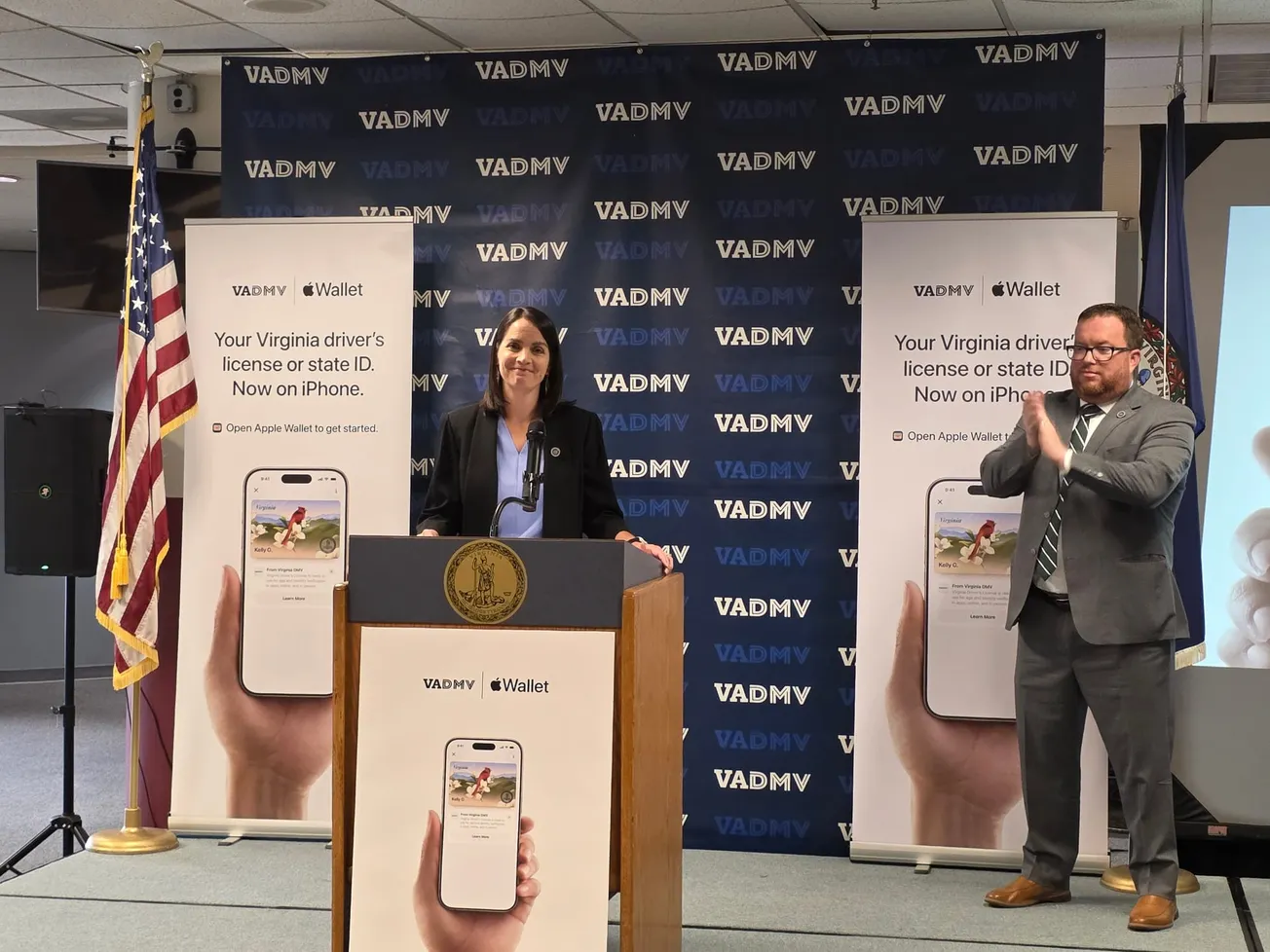
Virginia DMV Commissioner Saundra M. Jack and Virginia Secretary of Transportation Nick Donohue announced Aug. 26, 2026 that Virginia residents now can add their state driver's licenses and ID cards to Apple Wallet. (Courtesy Virginia DMV)

Virginia residents now can add their state-issued driver’s licenses and identification cards to Apple Wallet, allowing them to use an iPhone or Apple Watch to verify their identity at airports, Virginia DMV locations and a growing number of businesses.

Virginia Department of Motor Vehicles officials announced the new option Wednesday, Aug. 26, making Virginia the latest state to offer digital identification through Apple Wallet.

Virginians can use the digital IDs at more than 250 Transportation Security Administration security checkpoints nationwide, including those at Richmond International Airport, Washington Dulles International Airport, Reagan Washington National Airport and Norfolk International Airport.

The digital IDs also will be accepted at all Virginia DMV locations, participating Virginia Alcoholic Beverage Control stores and by Virginia State Police, as well as at hundreds of businesses and entertainment venues throughout the state. Among those participating are CarMax Park in Richmond, Ocean Breeze in Virginia Beach and Apple Federal Credit Union locations in Northern Virginia.

State officials cautioned that residents should continue carrying their physical driver's licenses or identification cards as a backup, particularly when driving.

"The introduction of ID in Apple Wallet to Virginians marks a major moment of innovation for the commonwealth, putting Virginians ahead of the curve when it comes to both technology and protecting personal information," Virginia Secretary of Transportation Nick Donohue said. "Our residents have been asking for this, and we're proud to work with Apple to offer ID in Apple Wallet as a seamless and secure resource for Virginians."

The system is designed to allow users to provide only the information necessary for a particular transaction. Someone purchasing an age-restricted product, for example, could provide a photograph and confirmation that he or she is older than 21 without disclosing a name, home address or birthdate.

"This is a momentous day in Virginia as we continue to expand our offering of cutting-edge, highly secure forms of identification for our customers," DMV Commissioner Saundra M. Jack said. "We know how important it is to make identification easier to carry and use, and Virginians have been asking for more ways to do that. So much of our everyday life is on our phone and now so is your Virginia ID in Apple Wallet."

How it works

To add a Virginia driver's license or ID, users can open Apple Wallet, tap the "+" button, select "Driver's License and ID Cards" and follow the instructions to complete the setup and verification process.

When presenting the digital ID, a user holds an iPhone or Apple Watch near a compatible reader. The device displays the information being requested, and the user must approve its release through Face ID or Touch ID.

Because the information is transmitted through Near Field Communication technology, users don't have to hand their phones or watches to another person.

State officials said the system also includes a number of privacy protections. When someone applies to add an ID to Apple Wallet, DMV receives only the information necessary to approve or deny the request.

Once approved, ID information is encrypted on the user's device and cannot be accessed by Apple, according to the DMV. Neither Apple nor DMV receives information about when or where a person presents the digital ID, and the user's presentation history is encrypted and stored only on the device.

The technology supports the ISO 18013-5 mobile driver's license standard, an international standard governing mobile identification and privacy.

Virginia residents can find additional information and instructions through Apple or the Virginia DMV.

Comments